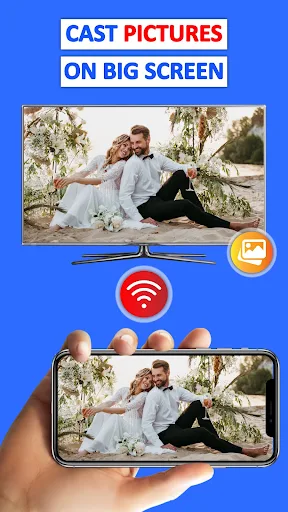
Cast phone content to a TV
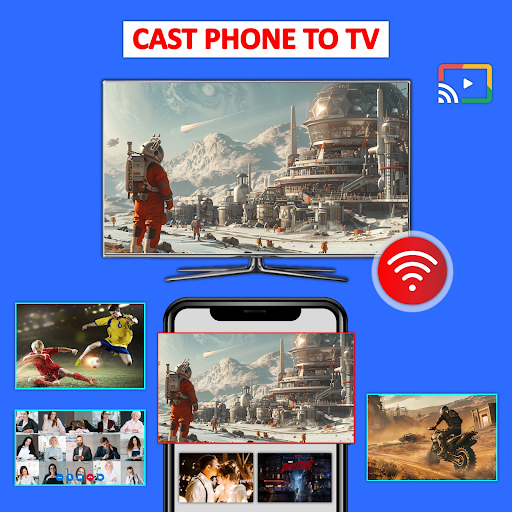
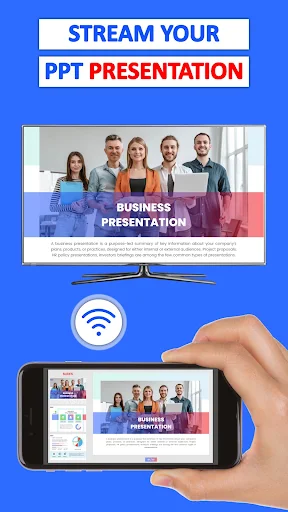
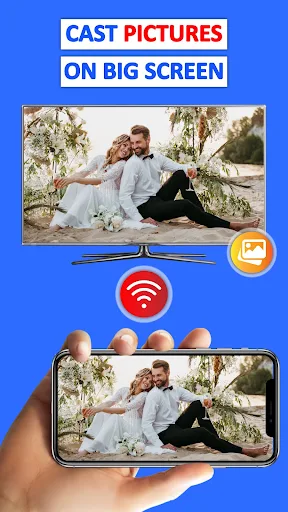
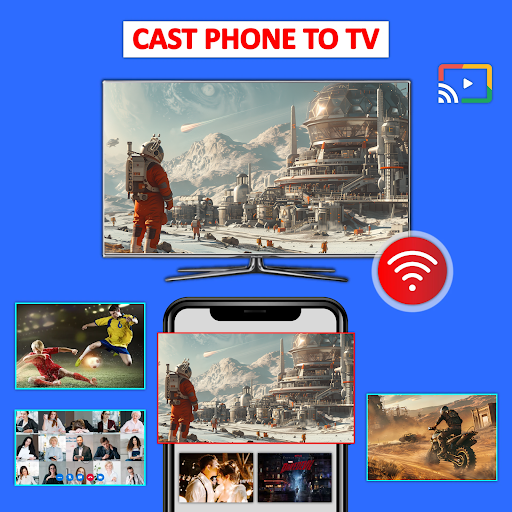
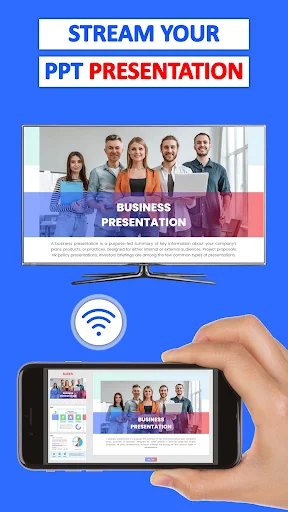
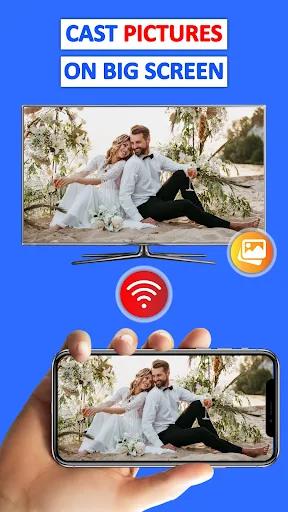
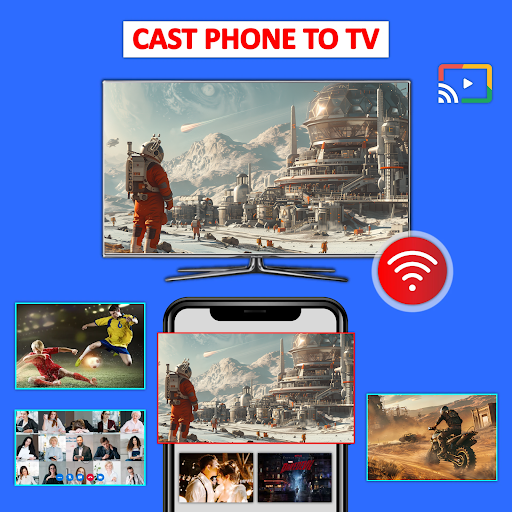
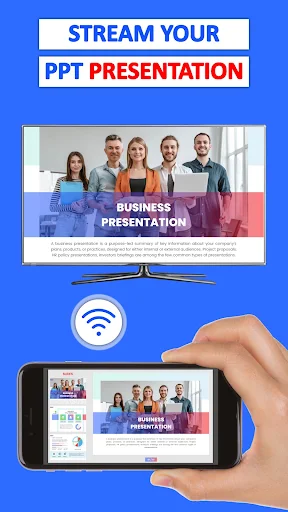
Cast Phone to TV, Chromecast is a screen-mirroring and media-casting app for people who want to view phone content on a larger screen. It can share the phone display and cast photos, videos, documents, PDFs and presentations to a compatible TV or casting device. That makes it relevant for watching clips, showing photos to a group or putting work material on a TV.
Screen mirroring or selected media
The app covers two different uses: displaying the phone screen, and sending particular items such as gallery photos or videos. Screen mirroring may suit content that is not being cast as a separate media file; casting individual items can be a better fit when you only want to show a video or photo. Consider which of these you need when comparing it with other casting apps.
Check the TV and connection
The phone and TV need to be on the same Wi-Fi network. The TV also needs to support wireless display or be a Chromecast-enabled device. The listed setup is to scan for available devices and select the one to pair with. Compatibility depends on the devices and their support for wireless casting, so check that before relying on the app for a particular TV.
Rating and listing details
Generation z apps publishes the app in the Business category. It has a 3.96 rating from 55,820 ratings and 10,000,000+ installs. Those figures show broad adoption and a substantial body of ratings, but they do not tell you whether it will work with your particular TV or suit your preferred way of casting.